

If you run a dental practice or medical office across Monmouth, Middlesex, and Ocean Counties, you already know that HIPAA compliance isn’t optional. But what you might not realize is how much of HIPAA compliance comes down to your IT setup — your network, your computers, and how patient data moves through your office every day.
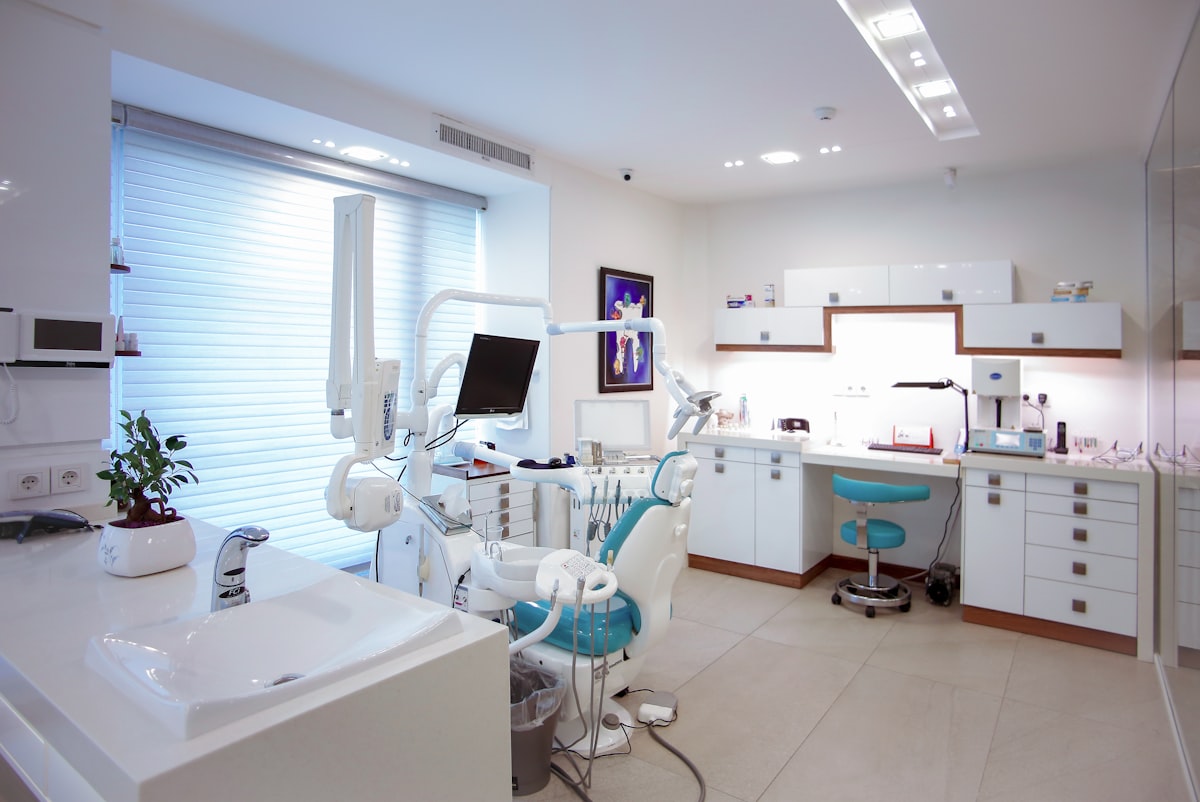
We work with healthcare practices across Manalapan, Freehold, Marlboro, Edison, Toms River, and the surrounding Central NJ area. The same IT gaps show up again and again. This checklist covers the most common issues we find — and what you can do about them.
💡 Why IT Matters for HIPAA
HIPAA’s Security Rule requires specific technical safeguards to protect electronic Protected Health Information (ePHI). That means your practice management software, digital X-rays, email, and even your WiFi network all fall under HIPAA’s requirements.
“A single violation can cost anywhere from $100 to $50,000 per incident — and that’s before you factor in the damage to your reputation in a tight-knit community like Monmouth County.”
The IT Compliance Checklist
Use this checklist to evaluate your current setup. If you’re missing any of these items, it’s time for an IT review.
🛡️ 1. Network Security
- ☐ Business-grade firewall installed and actively monitored (not a consumer router from Best Buy)
- ☐ Network segmentation — patient WiFi is completely separated from your practice network
- ☐ Intrusion detection/prevention enabled on your firewall
- ☐ Firmware and software updates applied regularly (not “when we get around to it”)
If your dental or medical office is still running the same router your internet provider dropped off years ago, that’s a red flag. A properly configured firewall is the foundation of HIPAA-compliant IT.
🔒 2. Data Encryption
- ☐ Encryption at rest — patient data on workstations, servers, and portable devices is encrypted
- ☐ Encryption in transit — email containing patient information uses TLS encryption
- ☐ Full-disk encryption enabled on all laptops and tablets used in the practice
- ☐ Encrypted backups — your backup solution encrypts data before storing it
🔑 3. Access Controls
- ☐ Unique login credentials for every staff member (no shared “front desk” passwords)
- ☐ Role-based access — the receptionist doesn’t need the same system access as the dentist
- ☐ Multi-factor authentication (MFA) enabled on email, practice management software, and remote access
- ☐ Automatic screen locks set to activate after 2-5 minutes of inactivity
⚠️ Common Gap: Shared passwords are one of the most common issues we see in practices across Central NJ. They make it impossible to track who accessed what — and that’s exactly what an auditor will look for.
☁️ 4. Backup and Disaster Recovery
- ☐ Automated daily backups of all patient data and practice management systems
- ☐ Offsite or cloud backup — not just an external hard drive sitting in the same office
- ☐ Tested recovery process — when was the last time you actually tried restoring from backup?
- ☐ Documented recovery time — how long can your practice operate without its systems?
✉️ 5. Email Security
- ☐ HIPAA-compliant email solution in place (standard Gmail or Outlook.com is not compliant out of the box)
- ☐ Phishing protection and spam filtering active
- ☐ Staff trained to recognize phishing emails — the #1 way ransomware gets into medical offices
- ☐ Email archiving configured for the required HIPAA retention period
🏢 6. Physical Security
- ☐ Server room or closet is locked and access-restricted
- ☐ Workstations positioned so patient data isn’t visible to other patients in waiting areas
- ☐ Proper disposal of old hard drives and equipment (wiped or physically destroyed)
📋 7. Documentation and Policies
- ☐ Written IT security policies that staff have signed and acknowledged
- ☐ Risk assessment completed within the last 12 months
- ☐ Business Associate Agreements (BAAs) in place with every vendor that touches patient data — including your IT provider, cloud services, and email host
- ☐ Incident response plan documented and staff trained on what to do if a breach occurs
🚨 What Most Practices Miss
After working with dozens of healthcare offices in the Manalapan, Edison, Toms River, and the surrounding Monmouth, Middlesex, and Ocean County area, here are the three gaps we see most often:
- No real backup testing. Having backups is great. Knowing they actually work is better. We’ve seen practices discover their backups were corrupt only after they needed them.
- Shared passwords everywhere. It feels convenient, but it’s a compliance violation and a security risk. Every team member needs their own credentials.
- No written risk assessment. HIPAA requires an annual risk assessment. Many practices skip it — until an audit happens.
How Network Lab Helps
We provide managed IT services built specifically for the compliance needs of medical and dental practices in Central NJ. That includes:
- Firewall setup and ongoing monitoring
- HIPAA-aligned network configuration
- Encrypted backup solutions with regular recovery testing
- Staff security awareness guidance
- Annual risk assessment support
We’re based right here in Manalapan, which means when something goes wrong, we’re not hours away — we’re down the road.
Ready to find out where your practice stands?
Request a free IT assessment — we’ll review your current setup against this checklist and share honest recommendations. No pressure, no sales pitch.
Network Lab provides managed IT services for businesses across Manalapan, Freehold, Marlboro, Old Bridge, East Brunswick, Edison, Woodbridge, Toms River, and across Monmouth, Middlesex, and Ocean Counties. Call us at (646) 469-0203.

Get a personal consultation.
Call us today at (732)660-5565
Our technology experts reach out shortly!