
A dentist in Freehold called us last year because her practice management software was running slow. Patients were complaining about lag when checking in on the front desk tablets. Digital X-ray files were taking forever to transfer. She assumed it was an internet speed problem and was about to upgrade her plan.
It wasn’t the internet. It was her wireless network.
Her practice was running on a single consumer-grade WiFi router — the same one her cable company had dropped off three years earlier. Staff devices, the X-ray system, patient check-in tablets, and the open guest network for the waiting room were all sharing the same connection with zero segmentation and default security settings. Anyone sitting in the parking lot could see her network name and, with basic tools, could have accessed patient records.
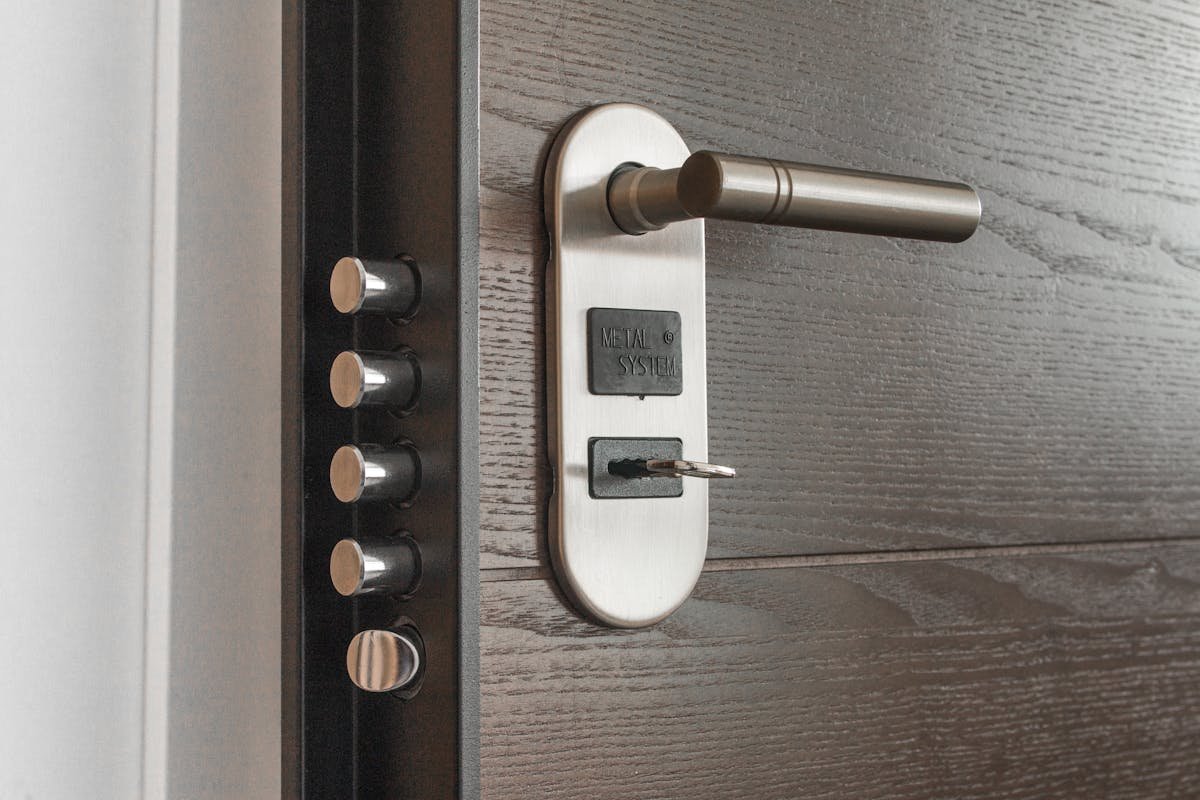
We see this constantly across Manalapan, Marlboro, Edison, Toms River, and everywhere in between. Small businesses invest in good locks for their front doors but leave their wireless networks wide open.
The Numbers Should Worry You
Here’s the reality in 2026: 43% of all cyber attacks target small businesses, and weak wireless security is the primary entry point. That’s not a stat about Fortune 500 companies — that’s about businesses like yours across Monmouth, Middlesex, and Ocean Counties.
Over the past twelve months, 56% of US small businesses experienced a cyber attack. More than half. If you’re sitting in a room with another business owner in Old Bridge or Woodbridge, statistically one of you has already been hit.
And yet, only 72% of small businesses actively secure their wireless access points. That means nearly three out of ten aren’t doing anything at all — and many of the ones who think they’re secured are running outdated encryption or using passwords that haven’t been changed since the router was installed.
The cost gap tells the real story. The average small business data breach costs around $200,000 when you factor in downtime, lost customers, legal exposure, and remediation. A comprehensive wireless security setup? That runs $5,000 to $15,000 depending on the size of your space and the complexity of your network. That’s a 179% return on investment — and that’s before you consider the peace of mind.
What “Good Enough” WiFi Actually Looks Like in Practice
Let me walk you through what we typically find when we do a wireless assessment for a Central NJ business.
The law firm in Manalapan that offers client WiFi in their conference room. Good idea — clients expect it. But the guest network is on the same VLAN as the firm’s case management system and document storage. A compromised phone on the guest network can reach everything. Every contract, every privileged communication, every billing record.
The auto dealership near Edison with separate needs for the showroom, service department, parts counter, F&I office, and customer lounge. They had one access point trying to cover 15,000 square feet, with every department on the same flat network. The service techs were streaming music on the same connection the finance manager was using to submit credit applications.
The medical practice in Toms River with IoT devices — smart thermostats, connected lab equipment, security cameras — all on the primary business WiFi alongside electronic health records. This is more common than you’d think, and it’s exactly how breaches happen. Corporate-owned IoT devices are now the leading entry point for attacks, accounting for 30% of breaches. That smart thermostat or IP camera might be the weakest link in your entire operation.
None of these businesses thought they had a WiFi security problem. All of them did.
WPA2 Is Not Enough Anymore

If your wireless network is still running WPA2, you’re using encryption technology that’s been publicly crackable since 2017. The KRACK attack demonstrated that WPA2 could be exploited without knowing the password, and tools to do it are freely available.
WiFi 7, which is now standard in business-grade equipment, mandates WPA3 on all links with 256-bit GCMP encryption. WPA3 fixes the fundamental vulnerabilities in WPA2 — it protects against offline dictionary attacks, provides forward secrecy so that even if a password is compromised later the previously captured traffic can’t be decrypted, and it makes each connection individually encrypted even on open networks.
If your access points don’t support WPA3, it’s time to replace them. Not next quarter. Now.
The Five Things Every Central NJ Business Should Fix This Month
1. Segment Your Network — Seriously
This is the single most impactful thing you can do, and most small businesses skip it entirely.
Your guest WiFi should be completely isolated from your business network. Your IoT devices — cameras, thermostats, smart TVs in the lobby — should be on their own VLAN. Your financial systems and sensitive data should be segmented from general employee access.
Think of it like the rooms in your office. You wouldn’t put your filing cabinets in the waiting room. Don’t put your business data on the same network as your guest WiFi.
For that dental practice in Freehold, we set up four separate network segments: clinical systems and X-ray equipment, front desk and administrative, IoT devices, and patient guest WiFi. Each one isolated, each one with its own security policies. The performance issues disappeared overnight — and the practice went from being one compromised tablet away from a HIPAA violation to having a properly secured network.
2. Enforce Multi-Factor Authentication on Everything Wireless
Less than 48% of small businesses enforce MFA. That’s alarming. A password alone — no matter how strong — is not sufficient in 2026.
MFA means that even if someone captures your WiFi credentials, they still can’t access your critical systems without a second verification factor. For businesses using Microsoft 365 or Google Workspace, MFA should be turned on for every single account. No exceptions for the owner, no exceptions for the employee who says it’s inconvenient.
For wireless network access itself, consider certificate-based authentication (802.1X) for your business devices. It’s more involved to set up, but it means only authorized devices can join your business network — not just anyone who knows the password.
3. Audit and Replace Your Access Points
Take an honest look at what’s actually providing your WiFi coverage. If you see a residential router from your ISP, a consumer mesh system from a big box store, or access points more than four years old, you have a problem.
Business-grade access points from manufacturers like Fortinet, Aruba, or Meraki offer centralized management, automatic firmware updates, rogue device detection, and proper WPA3 support. They cost more than the $79 router from the electronics store, but they’re designed for environments where security actually matters.
For a law firm or medical practice handling sensitive client data in Marlboro or Old Bridge, consumer equipment isn’t just inadequate — it’s a liability.
4. Monitor Your Wireless Environment
Most small businesses have no idea what’s connected to their WiFi at any given moment. They don’t know if a former employee’s personal laptop is still connected. They don’t know if someone has set up a rogue access point. They don’t know if there’s suspicious traffic patterns that indicate a compromise.
Managed wireless solutions provide real-time visibility into every connected device, alert you to unauthorized access points, and can automatically quarantine devices that behave suspiciously. This isn’t enterprise-only technology anymore — it’s accessible and affordable for a 20-person office in Woodbridge or a retail location in East Brunswick.
5. Create and Enforce a Wireless Security Policy
This sounds bureaucratic, but it doesn’t have to be. A wireless security policy for a small business can be one page. It should cover:
- Who is authorized to connect to the business network (and on which devices)
- How often WiFi passwords are rotated (quarterly at minimum)
- What is and isn’t allowed on the guest network
- Who is responsible for approving new device connections
- What happens when an employee leaves (their access gets revoked immediately)
Write it down. Share it with your team. Actually follow it. Most of the businesses we work with across Monmouth, Middlesex, and Ocean Counties don’t have anything written down — and when there’s no policy, there’s no accountability.
The Real Question Isn’t Whether You’ll Be Targeted
Every business with a wireless network is already being probed. Automated scanning tools run 24/7, looking for weak access points, default credentials, and unpatched equipment. The question isn’t whether someone will try to get into your network — it’s whether your defenses will hold when they do.
For a 15-person accounting firm in Manalapan, a ransomware attack that encrypts client tax records during filing season isn’t a theoretical risk — it’s the kind of scenario that ends businesses. For a physical therapy practice in Freehold with connected rehab equipment and patient scheduling on the same network, a breach means HIPAA fines on top of the direct costs.
The $5,000 to $15,000 investment in proper wireless security isn’t an expense. It’s insurance that costs a fraction of the $200,000 average breach. And unlike most insurance, it also makes your network faster, more reliable, and easier to manage.
What a Proper Wireless Assessment Looks Like
When we evaluate a business’s wireless security, we’re not just checking if you have a password on your WiFi. We look at:
- Coverage and placement — dead zones and over-coverage both create security issues
- Encryption standards — WPA3 or you need to upgrade
- Network segmentation — who can reach what, and should they be able to
- Device inventory — every connected device identified and categorized
- IoT exposure — smart devices that may be creating backdoors into your network
- Access control — how devices authenticate and who manages credentials
- Firmware status — outdated firmware is an unlocked door
We do this for businesses across Central NJ — from solo practices to companies with 50+ employees — and we give you a clear, prioritized list of what to fix and what it’ll cost. No scare tactics, no pushing equipment you don’t need.
Not sure if your business WiFi is actually secure? Most of the businesses we assess find at least three issues they didn’t know about. We’ll evaluate your wireless environment, show you exactly where the gaps are, and give you a practical plan to close them.
Network Lab provides managed IT services for businesses across Manalapan, Freehold, Marlboro, Old Bridge, East Brunswick, Edison, Woodbridge, Toms River, and Monmouth, Middlesex, and Ocean Counties. Call us at (646) 469-0203.


Get a personal consultation.
Call us today at (646) 469-0203
Our technology experts reach out shortly!